
Report Globals are values that are globally accessible throughout a Report, Section, Group or Report Element.
To add or edit a Report Global click the menu Data | Report Globals or select the Globals (...) collection button from the Report property page.

Report Globals can be used in Report Fields and Report Data Tables.
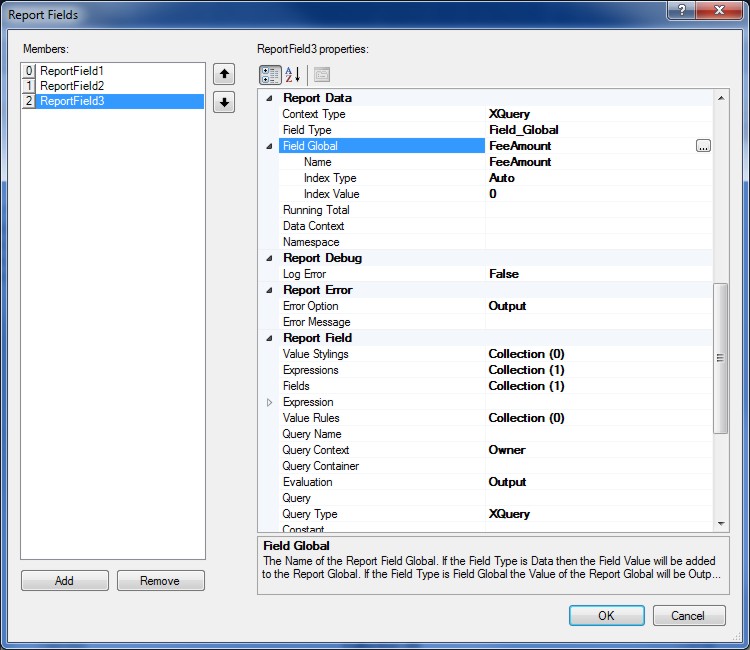
The Field Data Type specifies if the Field Value is stored in a Report Global or output the Report Global for the Report Field.
Select the Report Global for the Report Field using the Report Global Selector.
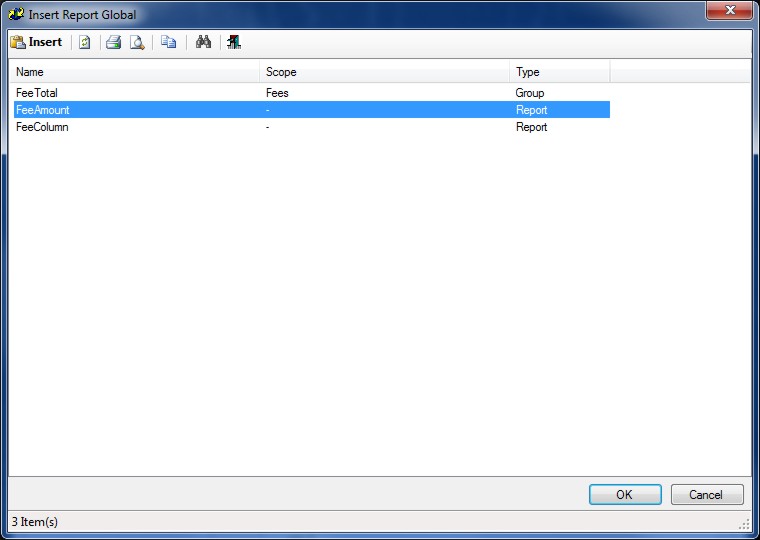
Click OK to use the Report Global for the Report Field.
Report Globals exported using the Export Wizard can also be reused as a shared Resource File by setting the Globals File property to the exported or saved Report RDL content.
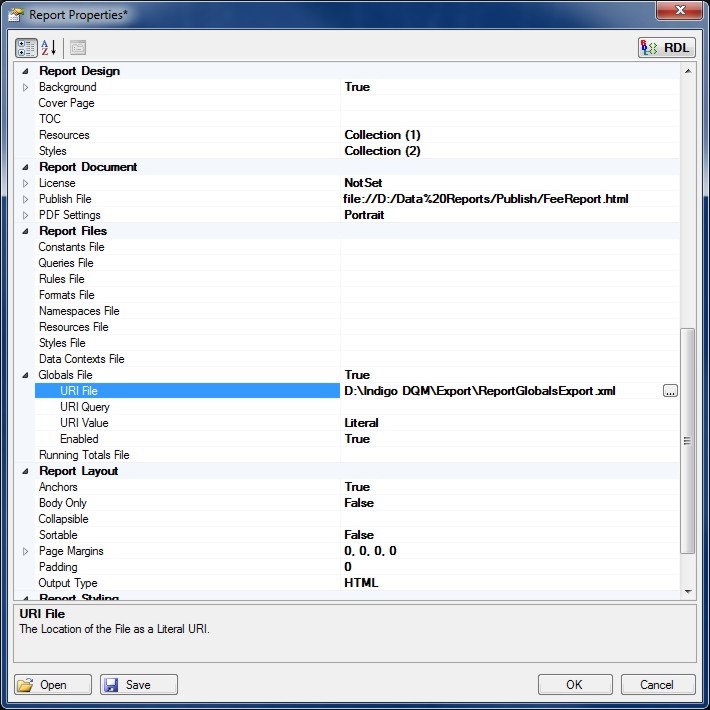
Click the Globals File (...) property button to specify the URI File or URI Query for shared Report Globals.
Content Types
Content Types can be either a Literal or a File. If the Content Type is a File the content for the Report Globals is read from the file at the specified URI.
Report Globals File
The Report Globals File represents a list of shared Report Globals exported or saved as Report RDL elements which can be reused and shared between other Reports.
File URI's
Report File URI's are expressed as Uniform Resource Identifiers (URI) and can be either a Literal or a Query to specify the location of the File Resource. Literal values are constants that are determined by the URI File property.
Query based URI's are determined by the result of the URI Query which can be a series of XQuery or Python statements to specify the location of the File URI.
Report Caching
Report elements can cached to improve the speed and performance of Report builds. Caching stores a copy in memory of frequently used content instead of reading the file directly from disk.
Report Rules can also contain Fields which can be used to substitute content in the Report Query. XQuery and / or XSLT, Python can be used in Report Fields and provides the means to extract and manipulate data from the Report Data Source.
Report Namespaces are used for providing uniquely named elements and attributes and is a mechanism to avoid name conflicts by differentiating elements or attributes within an XML document that may have identical names, but different definitions. If the Report Data Source contains namespaces they can be applied to the XQuery Processor.
